Sharing the trip's costs
Updated 26 October 2026.
The trip site's Money page is where the group keeps its shared costs: who paid for what, who shares it, and who owes whom at the end. This is how it works, part by part.
Adding an expense
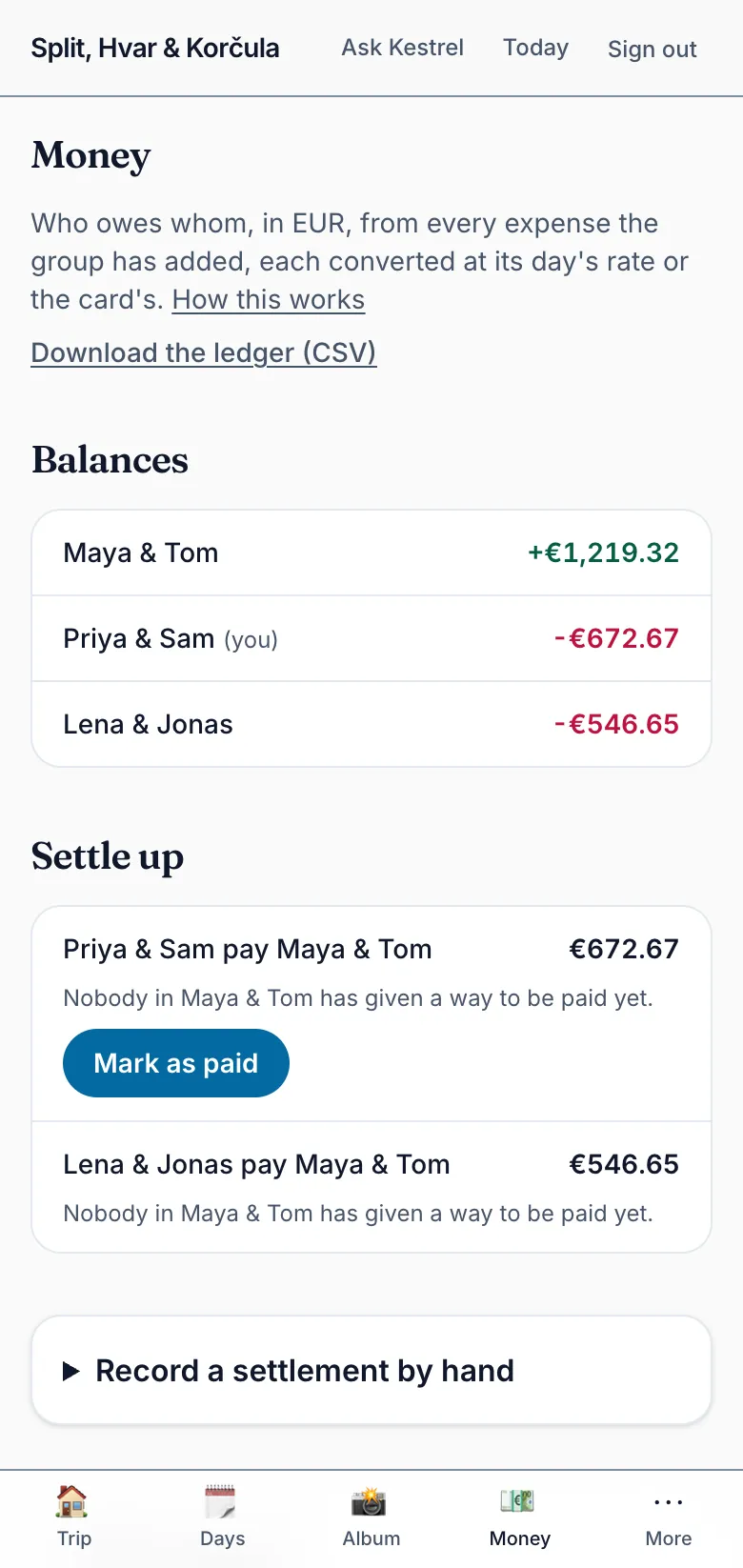
An expense is a cost one party paid and shared with at least one other party: the villa, the van one couple hired for everyone, a group dinner. On the trip site's Money page, fill in the form: the amount and the currency you paid in, which party paid, who shares it and how, what it was for, and its day, which is today's unless you pick another. From a booking on Bookings, adding it as an expense opens the same form with its title, day and payer filled in; you type the amount.
A cost only your own party bears, such as your own flights, isn't an expense. The ledger has no place for it, and your bookings already hold it.
Any member who is going can add an expense. Whoever added it, a member of the party that paid, or a planner can change or remove it later, and every change is kept with who made it. A removed expense leaves the balances at once, and any of them can restore it.
No signal at dinner? Add it anyway. Your phone keeps it, shows it waiting, counts it in the balances as approximate, and sends it once you're back online.
Keeping the receipt
An expense can carry a picture of its receipt, so that nobody has to keep the paper. The receipt is kept with its expense, and whoever sees the ledger sees it. It is never one of the trip's photos: it doesn't join the album and never goes into a keepsake.
The settlement currency
A trip settles in one currency, which the planners chose with the plan, and Money shows every balance in it. You can still pay in whatever the place takes. An expense keeps the currency it was paid in, beside its conversion into the settlement currency at a rate fixed when it is entered: the day's reference rate, or the rate the card charged, which you can type from your statement. A currency without a reference rate needs its rate typed.
Once the ledger has an expense or a settlement, the settlement currency can't change, so nobody's balance moves under them.
Pay handles: how you get paid
A pay handle is your name with one payment service, given on Ways to pay you, under More. Settle-up then shows it on each payment owed to your party: Venmo, PayPal.Me, Wise or Revolut as a link that opens the service with the amount filled in where it can, and Zelle as the handle to copy, since it has no link.
A Zelle handle is an email address or a phone number, so it is shown only to the party that owes, and only on a trip that settles in US dollars. Only a member who is going has their handles shown.
Settling up
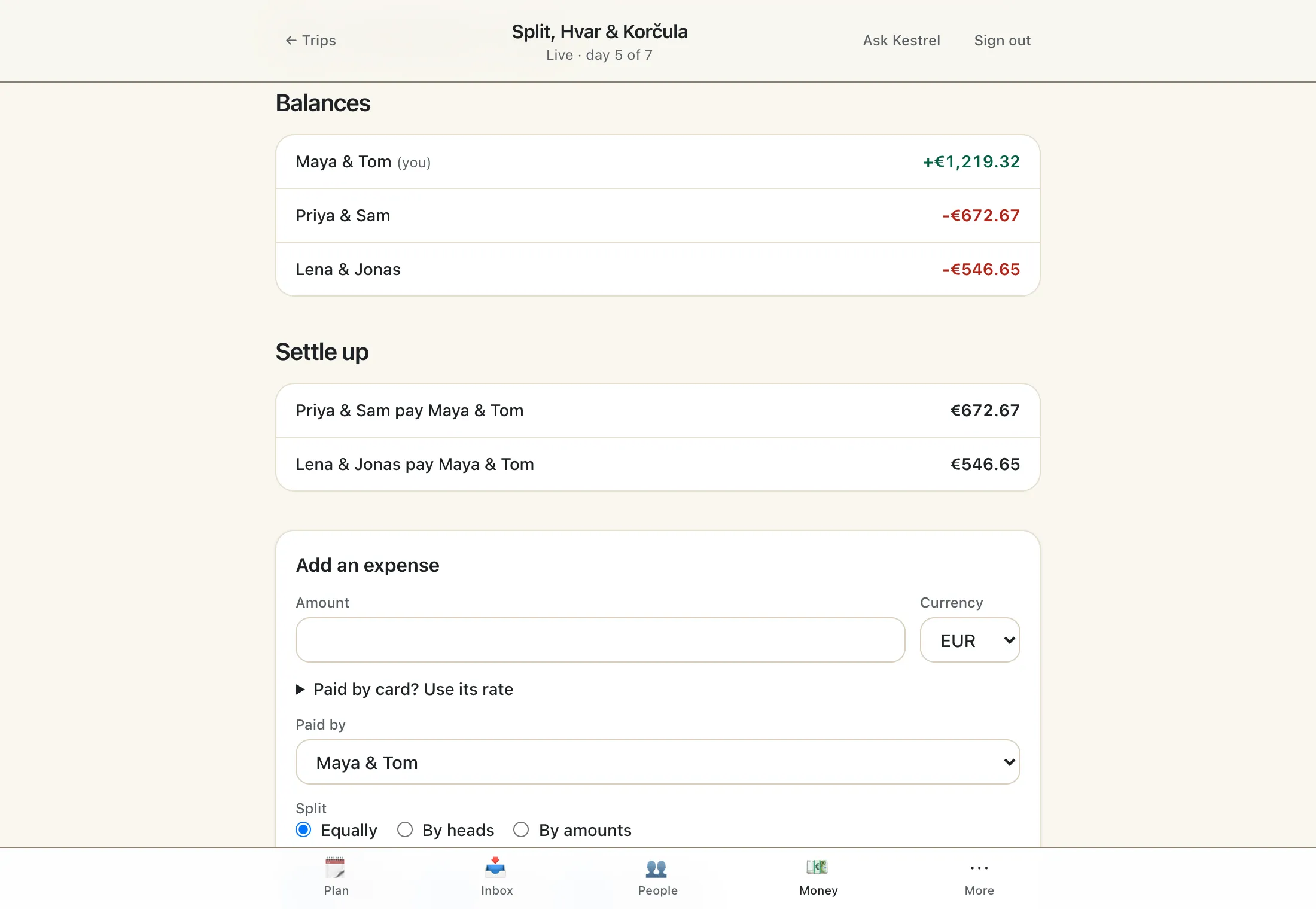
Balances says where each party stands: what it paid, less the shares it bears, with every settlement counted in. Settle up suggests the fewest payments that square everyone, each from a party that owes to a party that is owed.
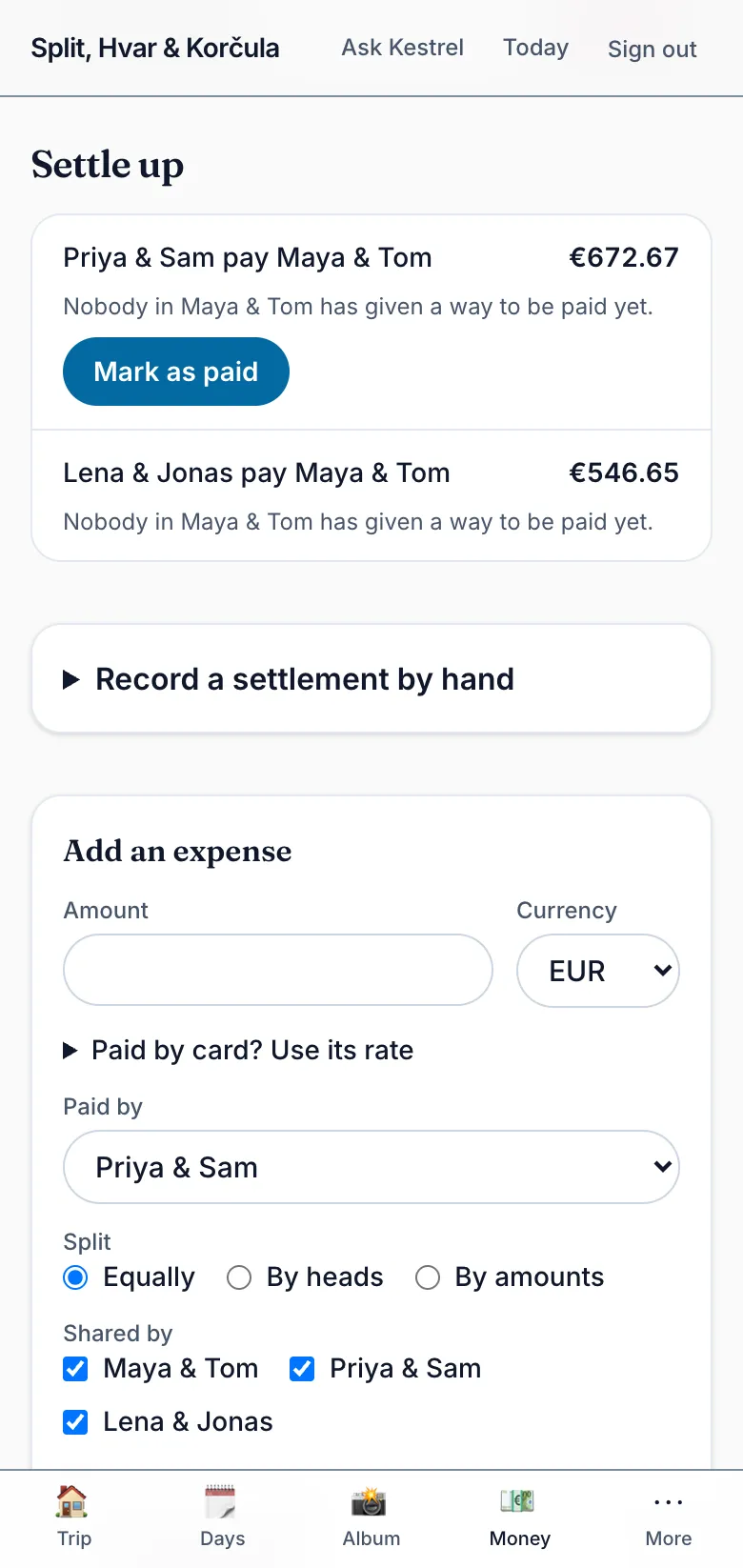
When you've paid one, select Mark as paid. That records it as a settlement, counted at once, and settle-up stops suggesting it. A payment made some other way can be recorded by hand. A member of either party can record a settlement; the party paid disputes one by removing it, and the history keeps both.
TripEagle never moves money
TripEagle never moves money. It keeps the record of who owes whom and hands each payment to the service you choose. The payment itself happens there, between you and the person you pay, and TripEagle never holds, sends or sees it.
In the studio: the trip's ledger and its CSV
A planner sees the same ledger on the studio's Money screen: the balances, the payments settle-up suggests, every expense and every settlement, removed ones marked. A planner who is going on the trip can add an expense there, as the member they are. Expenses are changed and settled on the trip site, by the members whose money it is. Where the trip has a budget, the screen also shows it against what the ledger counted for each region's days; only planners see it.
Download the ledger (CSV) saves the whole ledger as a spreadsheet: one row per expense and settlement, oldest first, with the currency each was paid in, its rate, its conversion, and who entered and last changed it. Each party has a column of its own holding its share, so a spreadsheet can total a party or check a row against what was paid. The trip site's Money page offers the same file to every member who is going.
The spending limit and its estimate
A trip can have a spending limit: the most the whole trip may cost, every party's travel to and from it included. It is given in Kestrel's interview, and Money shows it, in the studio and in the app, above the budget, in the currency it was typed in. A planner changes or clears it there; only planners see it. On a trip that doesn't have it, Money says so in its place.
Below it is Kestrel's latest estimate of what the plan costs, and its date: each party's fares as checked, and Kestrel's figures for each region's stays, food, local transport and activities. It is an estimate, never a quote, and nothing on the ledger counts toward it. A party whose fares couldn't be checked is named and left out. The estimate is worked out when Kestrel plans the trip, when you accept a change Refine proposed, and when Kestrel reviews the plan, which says here when it finds the trip over the limit.