Plan it once.
The organizer builds the trip in the studio, with co-planners, and publishes it. Everyone else just opens the link.
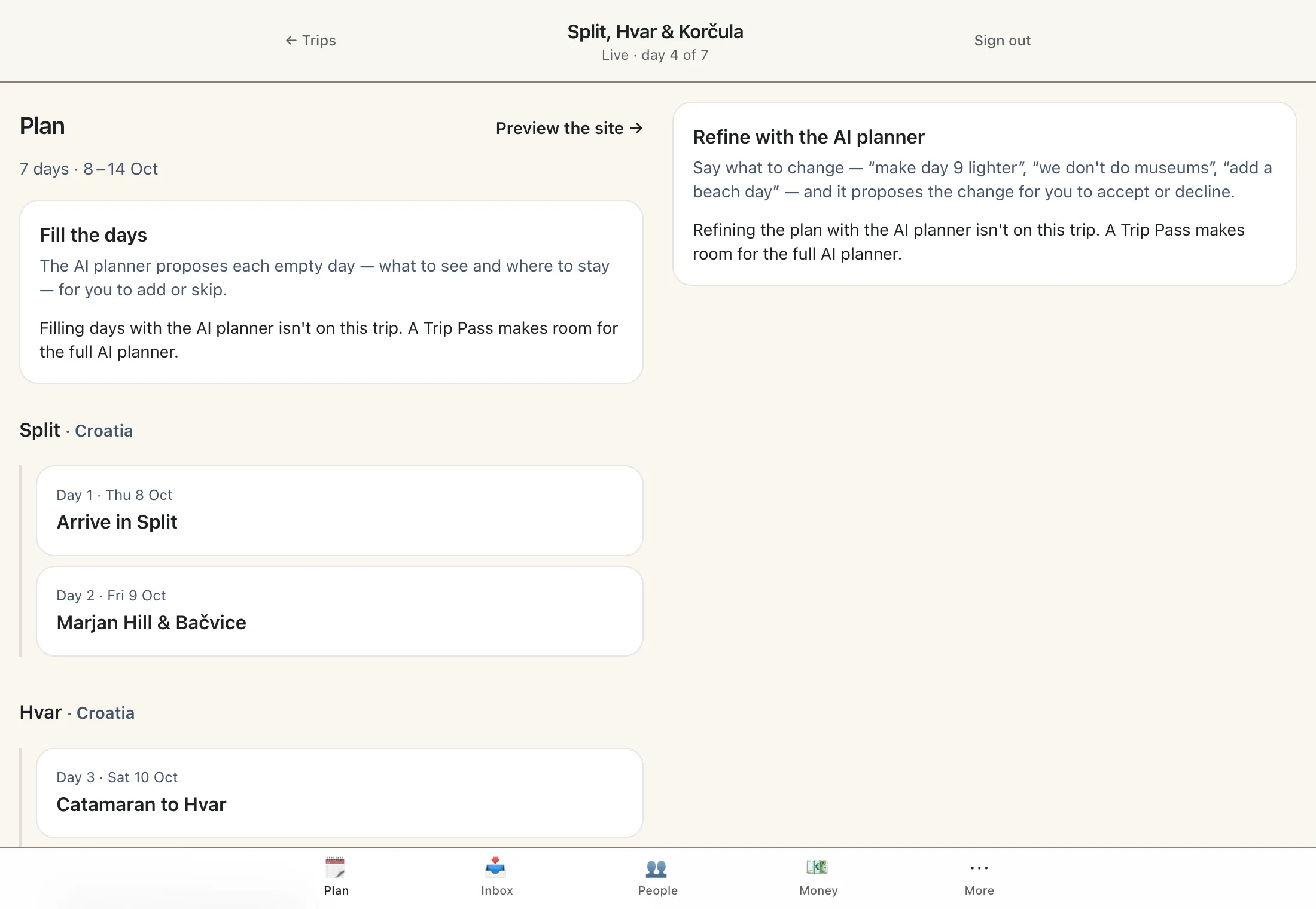
The studio
The whole trip on one timeline: days, places, stays and bookings, with a draft you publish when it's ready, and a review of what changed before it goes out.
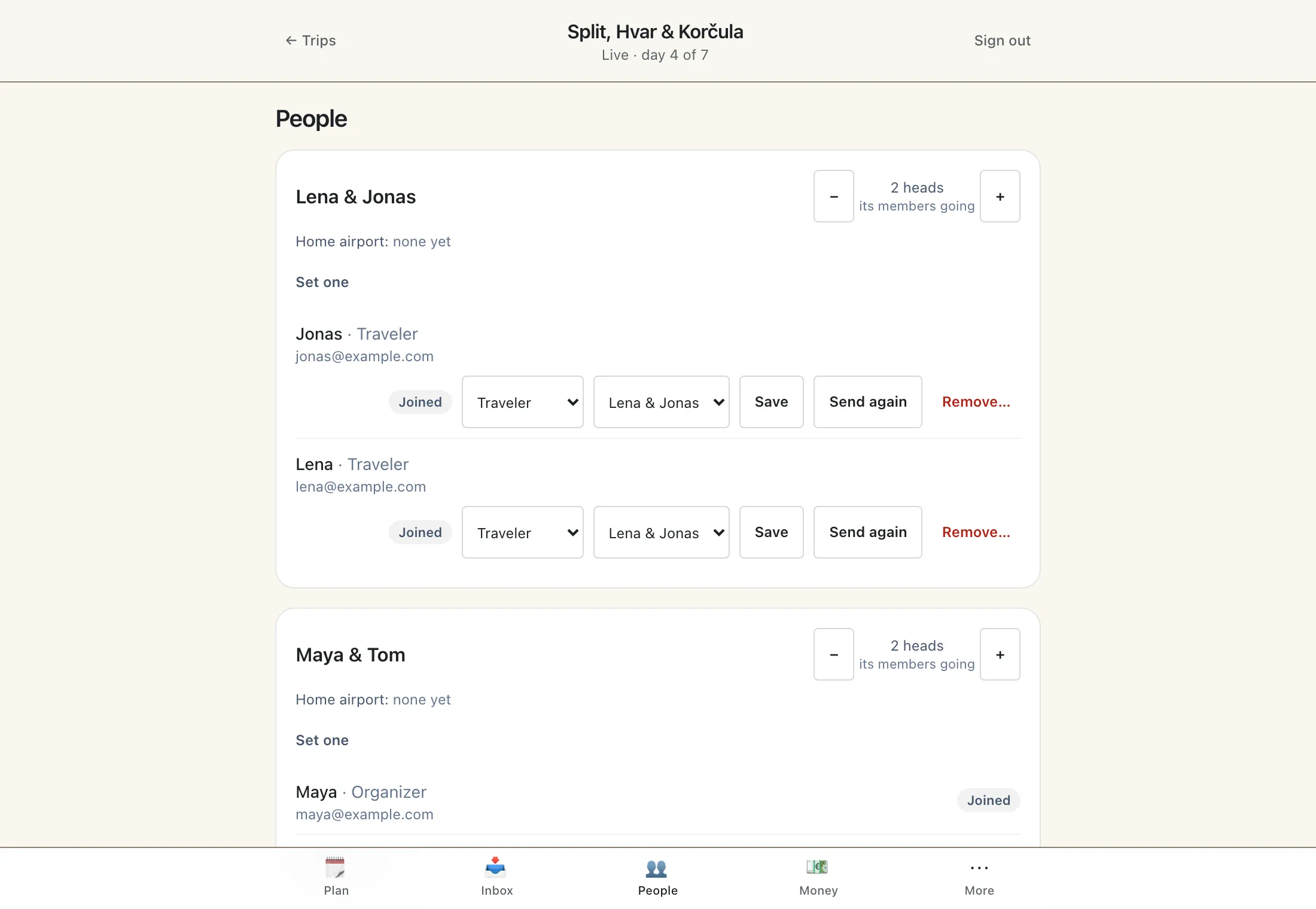
Co-planners and parties
Name the couples and families who travel together as parties, and let a co-planner plan alongside you. Each party settles its own costs and sees its own bookings.
Split itineraries
Trip PassWhen one party takes a different way through a day, give it its own version of that day. It names only what differs and follows the shared plan for everything else, and everyone can still see both.
All roads lead to the trip.
The bookings inbox
Trip PassForward a confirmation to the trip's own address and it becomes a booking, held for the person who sent it to confirm.
Planning with Kestrel
Trip PassDescribe the trip and Kestrel, TripEagle's AI, proposes the shape of it, then the days, then the refinements. Nothing lands until a planner accepts it.
Themes and an address of its own
Pick a look for the trip site and it lives at an address you choose, yourtrip.tripeagle.app, that you can send to anyone.
Live it together.
During the trip the site is the one place the group looks. Nobody in the group pays for any of it.
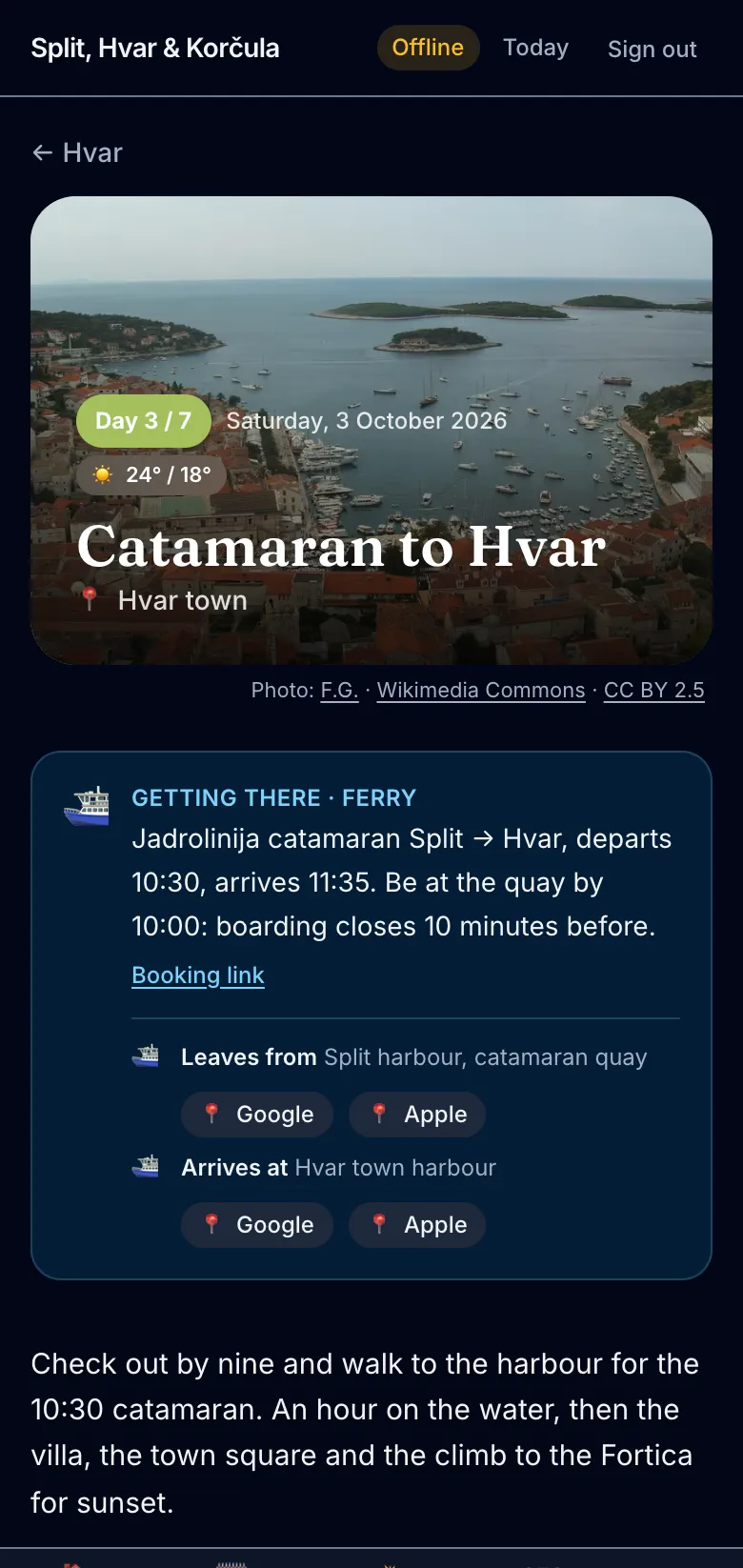
Today's plan, offline
Today opens on every phone with no signal: the times, the addresses, the booking references.
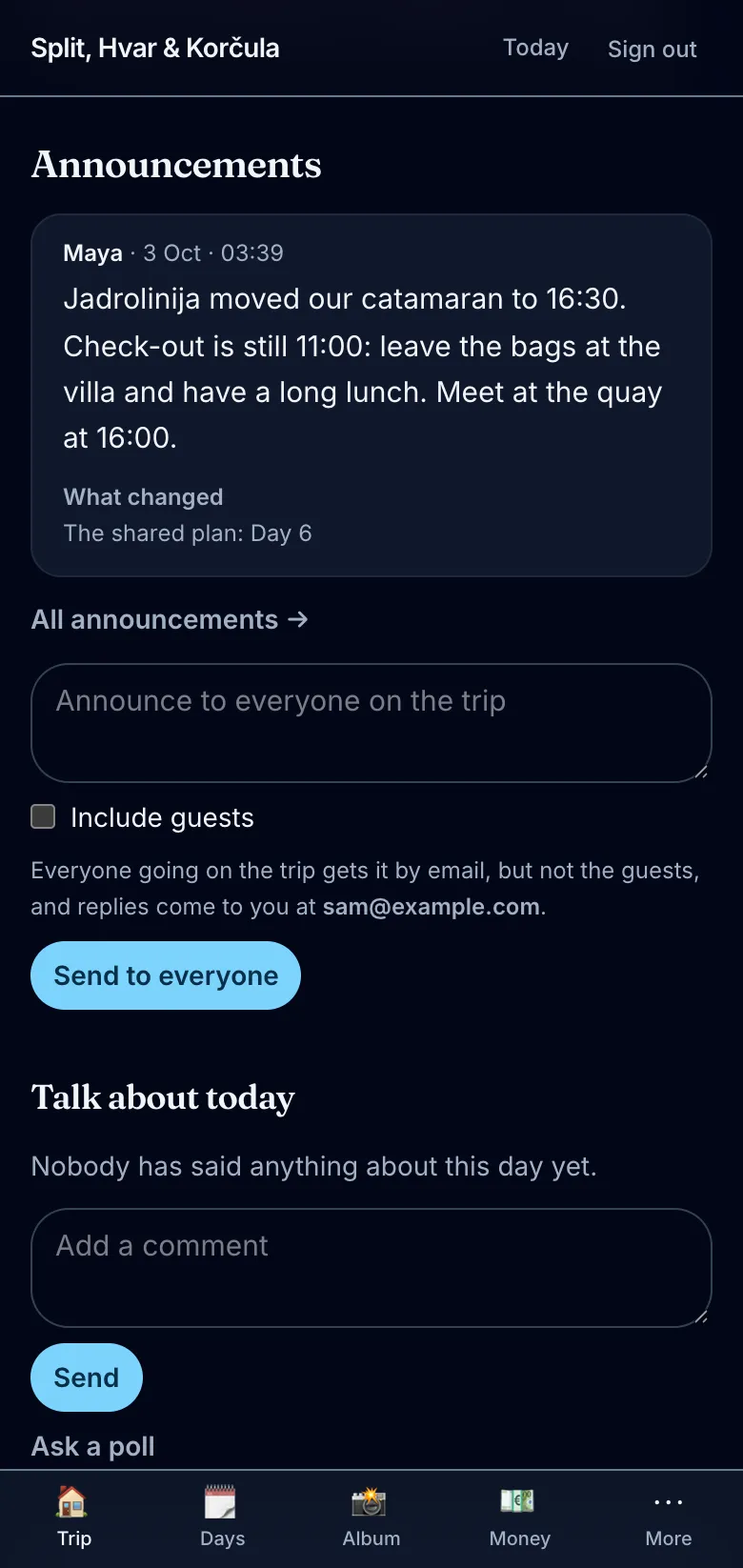
Announcements
One message from a member reaches everyone going, by email and by push to their phones, and sits at the top of the trip until it's taken down.
Updates as they happen
Trip PassOpt in and new photos and comments reach your phone within minutes, in one push rather than one for every picture.
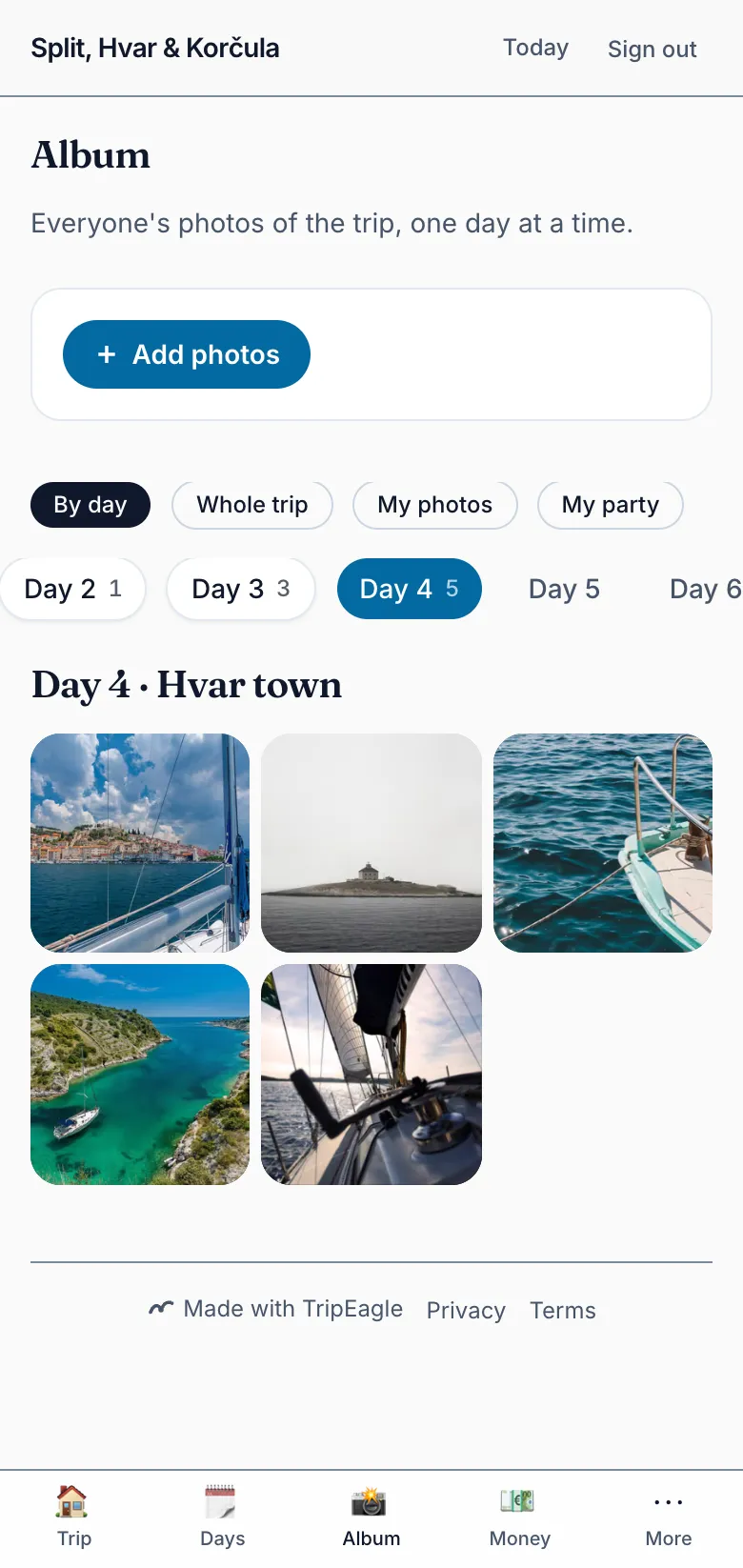
The album, sorted by day
Everyone's photos land in one place, filed under the day they were taken.
Captions
Trip PassPhotos in the album get a caption written for them, which can be changed.
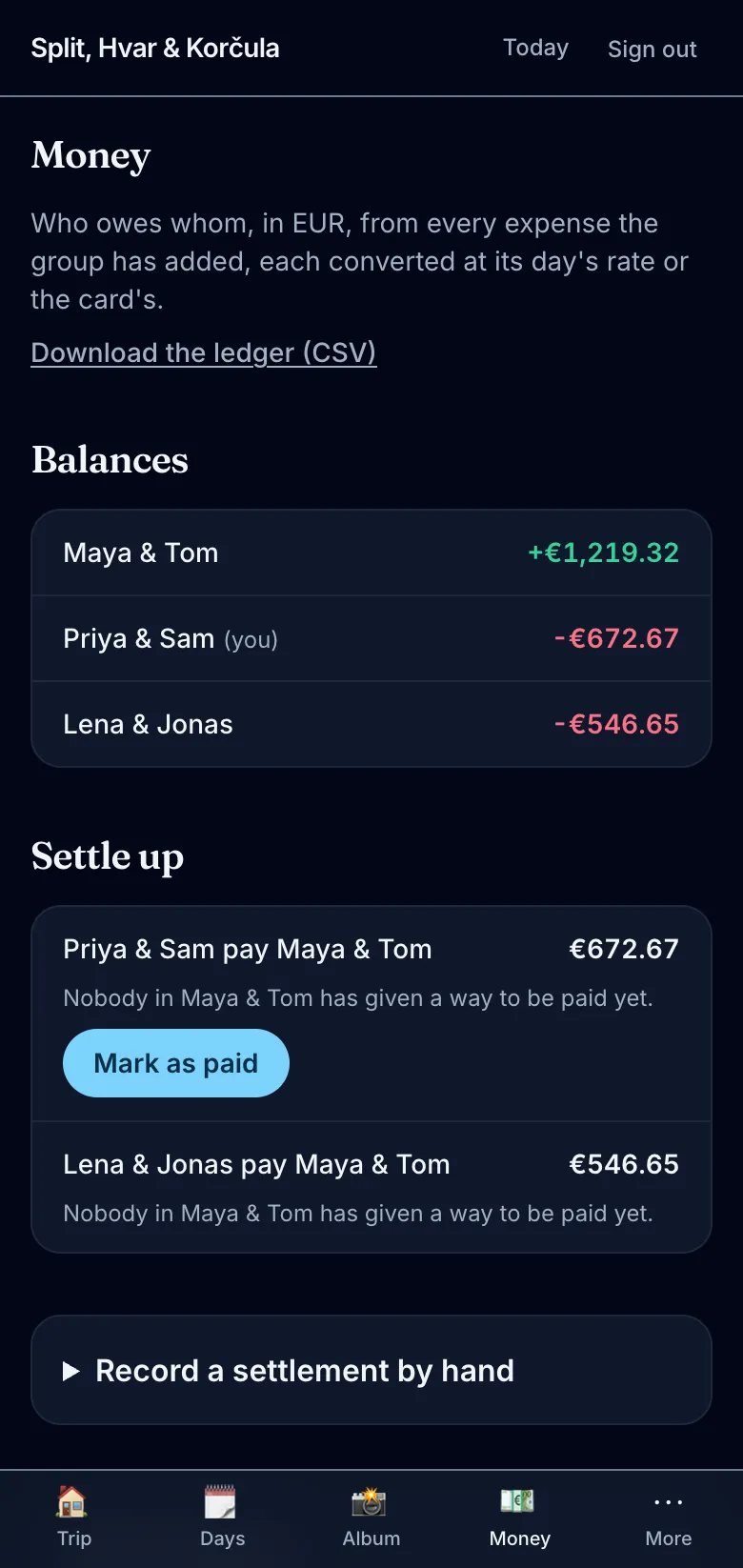
The ledger
Who paid for dinner and who owes whom, settled between parties, with no spreadsheet and no awkward message.
Receipts, read for you
Trip PassPhotograph a receipt and the amount and the date are filled in, for you to check before it's added.
Comments
Talk about a day on the day, where it will be found again.
Ask Kestrel
Trip PassAsk what time the ferry leaves, or what's booked tomorrow, and get the answer from the trip itself.
Keep it forever.
Afterwards the trip stays where it was, with everyone's photos.
The trip stays up
Once it's over, the trip is archived: everyone can still open it and sign in, and nobody can change it.
Originals kept
Trip PassThe full-size photos stay with the archived trip, not only the display-size ones.
Take it with you
Export the trip as a bundle of pages and photos that opens without TripEagle.
Export with the originals
Trip PassThe same bundle, with every photo at full size.
Start with a trip.
A pass is the organizer's, bought once for one trip. Nobody else in the group pays.