Forwarding a booking
Updated 25 October 2026.
Your flights, stays and tickets can reach the trip without anyone typing them in: forward the confirmation email to the trip's booking inbox, and it's read into a booking for your party, for you to confirm. This is how, part by part.
Finding the address
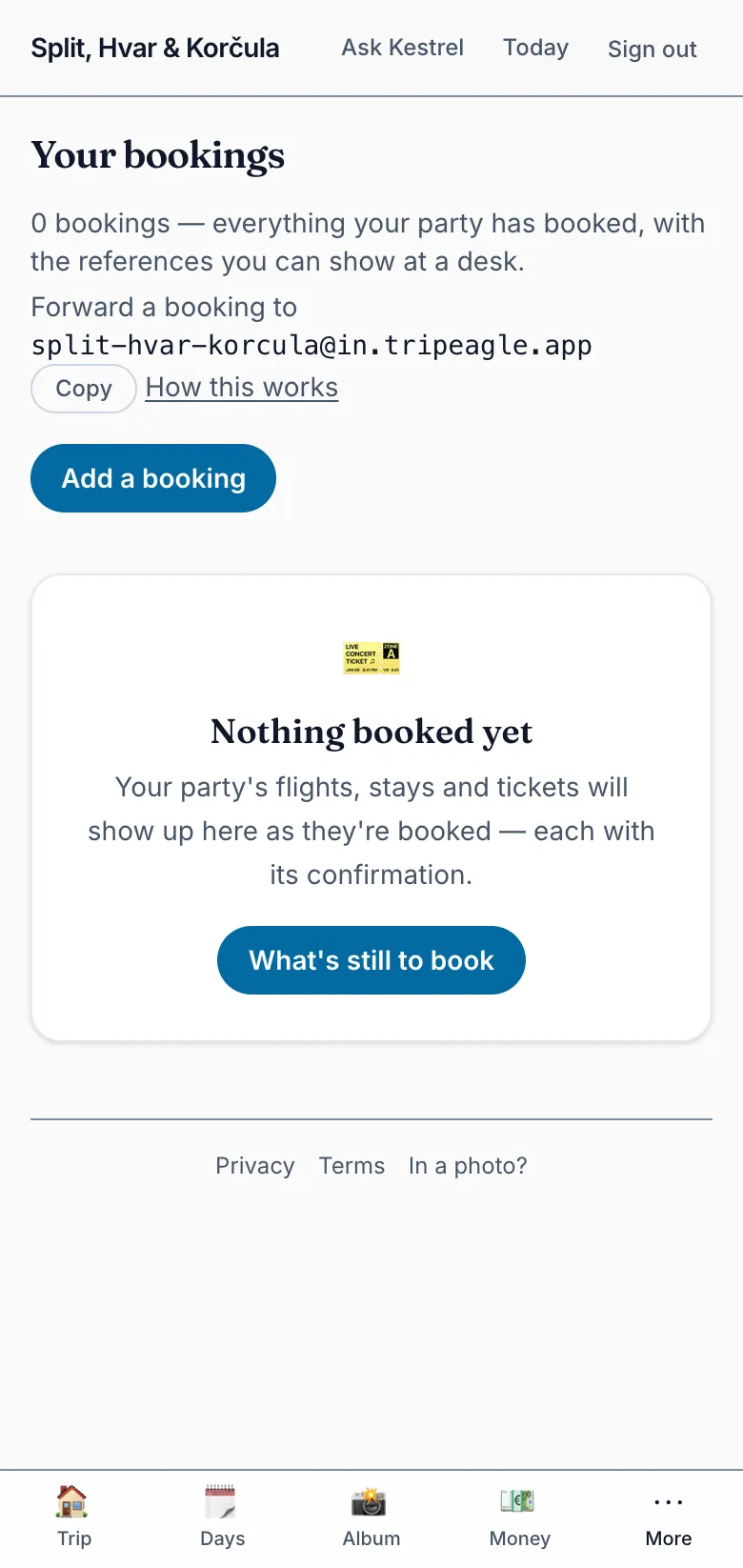
Every trip with a booking inbox has an address of its own, named as the trip site is: <your trip>@in.tripeagle.app. You don't have to work it out. Open Bookings, on the trip site or in the app, and it says “Forward a booking to” followed by the address. Select Copy to put it on your clipboard, ready to paste into your mail app.
The address follows the trip's. If the organizer renames the trip, Bookings shows the new address, and mail to the old one still arrives.
If Bookings shows no address, this trip doesn't read forwarded bookings. Select Add a booking on Bookings instead, and type in what your confirmation says.
Forwarding a confirmation
Forward the airline's, hotel's or ticket seller's confirmation email as it came, with its PDF if it has one. Forward it from your own address: the one the trip invited you at and you sign in with. Mail from any other address is dropped without a reply, so nobody outside the trip can add a booking to it.
The email's text is read for the booking and then discarded. Its PDFs and pictures, up to 4 attachments of up to 5 MB each, are kept with the booking once you confirm it, so they're on hand at the desk.
With the app on your phone, you can also share a confirmation, its PDF or a link to the trip from any app's share sheet, with Send to TripEagle. It's read the same way.
Confirming what it read
A few moments later, what the email read as appears on Bookings under “Forwarded, to confirm”, as the booking it would become. Only you see it until you decide. Select Confirm to add it to your party's bookings, with the files it keeps, or Discard to drop it, keeping nothing.
A forwarded booking never changes the plan. When it matches something the plan already has on that day, such as a timed entry your party books, it takes the plan's name for it and ticks it off what's still to book. Otherwise it stands as a booking of its own on its day.
A planner's forwarded bookings wait in the studio's Inbox instead, where they can confirm one for their own party or for another, such as the bookings they made for everyone. Bookings on the trip site points them there.
When it isn't read
A forward that can't become a booking gets one reply, by email, saying why. Nothing is added either way.
- “We couldn't read your forwarded booking” means no booking was found in it. Forwarding the original confirmation, with its PDF, usually works. Or follow the reply's link to add it to your party's bookings by hand.
- “Your forwarded booking wasn't read” means this trip doesn't read forwarded bookings. Ask the organizer about it, or add the booking by hand.
No reply at all usually means the email came from an address the trip doesn't know: forward it again from your own. A trip that has been archived takes nothing new, forwarded bookings included.